Abdul Basit
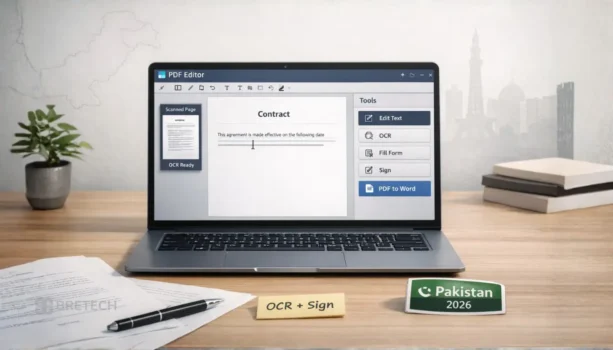
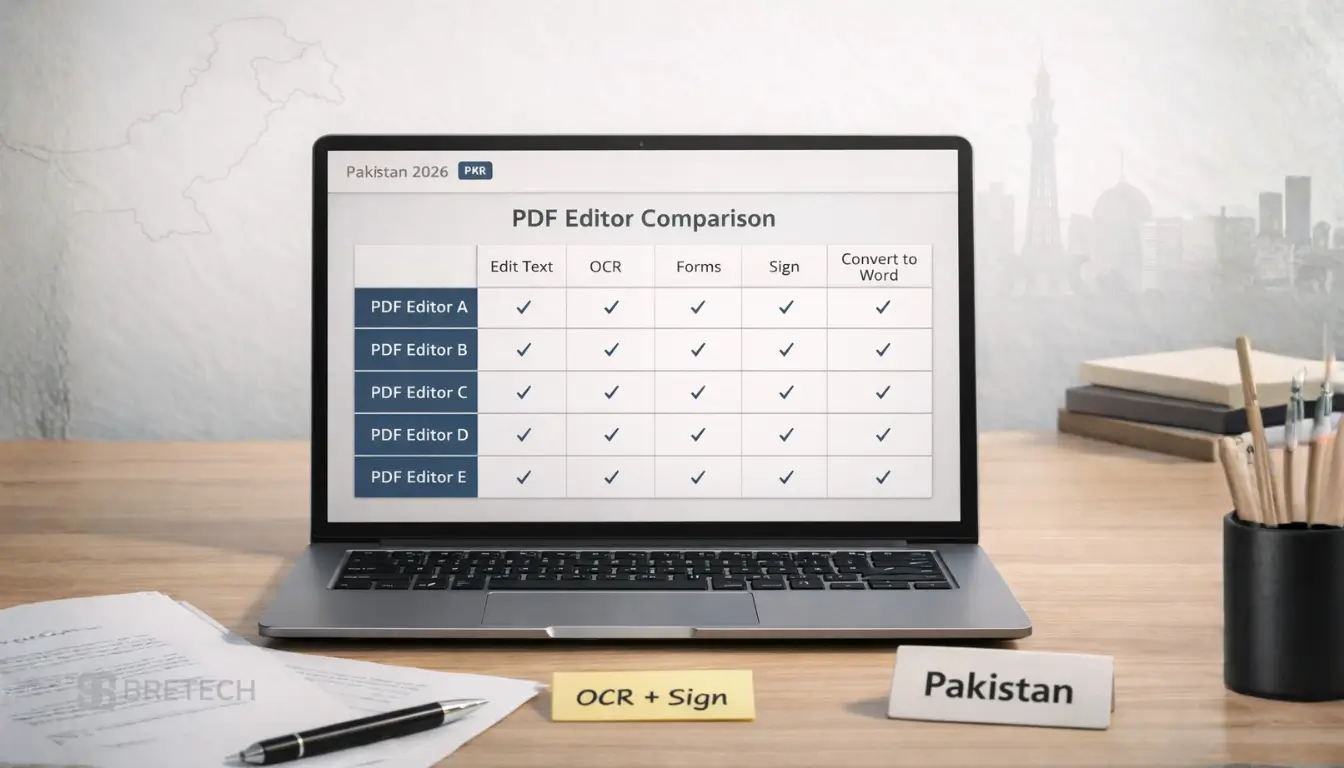
No single PDF editor is best for every user. For Pakistan buyers, PDFelement is a balanced cross-platform choice, EaseUS PDF Editor suits everyday Windows editing, PDF-XChange Editor Plus is strong for advanced Windows OCR and forms, while Foxit PDF Editor and Adobe Acrobat Pro are better suited to professional and business workflows.
If you mainly edit normal digital PDFs, convert files, organize pages, or add signatures, you may not need the most advanced product. For scanned records, contracts, confidential documents, or office workflows, prioritize OCR, redaction, forms, security, compatibility, and the correct license type.
This 2026 guide compares leading PDF editor software available to Pakistan buyers, including options for Windows, Mac, OCR, forms, signing, batch processing, and business use.
Quick Overview: Best PDF Editor Software in Pakistan
The best choice depends on whether you prioritize everyday editing, OCR, forms, signing, batch processing, cross-platform use, or advanced business workflows.
| Tool | Best For | Key Features |
|---|---|---|
| Ashampoo PDF Pro 5 | Windows users who prefer a desktop license | Editing, conversion, OCR, forms, comparison, signatures, and protection |
| EaseUS PDF Editor | Everyday office editing on Windows | Editing, annotations, OCR, conversion, signing, and forms |
| Wondershare PDFelement | Cross-platform editing and OCR | Editing, OCR, forms, conversion, signing, and batch tools |
| PDF-XChange Editor | Windows editing and document review | Editing, annotations, stamps, digital signatures, and basic OCR |
| PDF-XChange Editor Plus | Advanced Windows OCR and form work | Enhanced OCR, document comparison, fillable forms, and dynamic stamps |
| PDF-XChange PDF-Tools | Batch processing and repeated document tasks | Conversion, merging, splitting, security, exporting, and batch workflows |
| SwifDoo PDF | Simple daily PDF work | Editing, conversion, page organization, OCR, and signing |
| Foxit PDF Editor | Professional and business PDF workflows | Editing, OCR, forms, comparison, security, redaction, and collaboration |
| PDFChef by Movavi | Basic editing and page management | Text editing, merging, splitting, conversion, and signing |
| Adobe Acrobat Pro | Advanced and standardized PDF workflows | Editing, OCR, forms, comparison, redaction, conversion, and e-signatures |
PDF-XChange PDF-Tools is mainly a batch-processing and automation utility. It supports repeated PDF operations but is not a direct replacement for a full page-by-page PDF editor.
Browse the main PDF software solutions in Pakistan hub for licensing and buyer guidance, or compare products in the PDF editing software category.
BreTech helps Pakistan buyers choose genuine PDF software with PKR pricing, local payment options, digital delivery, activation guidance, and invoice support where applicable.
Practical tip: Before buying for regular OCR or PDF-to-Word work, test one real document containing the same scans, tables, fonts, or columns you normally handle. Results can vary according to scan quality and document layout.
Best PDF Editing Software in Pakistan: Tool-by-Tool Comparison
These PDF editors cover different buyer needs, from simple Windows editing to cross-platform work, enhanced OCR, forms, redaction, and business document workflows.
1. EaseUS PDF Editor: Everyday Windows Editing
EaseUS PDF Editor is a Windows PDF editor for text changes, conversion, annotations, signing, OCR, page management, and form work.
Its form tools support common controls used in office documents, while OCR can help make supported scanned PDFs searchable or editable.
EaseUS can suit beginners, students, freelancers, and office users who want common PDF tools in one Windows application. If OCR or conversion quality is important, test your own scanned and complex documents before relying on it for regular business use.
2. Ashampoo PDF Pro 5: Desktop PDF Editor for Windows
Ashampoo PDF Pro 5 is a Windows desktop PDF editor for creating, editing, converting, comparing, signing, and protecting documents. It also includes OCR for scanned files and tools for working with forms.
The current PDF Pro 5 release supports Windows 10 and Windows 11 and is offered by Ashampoo with a lifetime license model. It can suit users who prefer desktop software rather than depending only on a browser or recurring subscription.
If Acrobat is also under consideration, the Ashampoo PDF Pro vs Adobe Acrobat Pro comparison explains the main differences for buyers.
3. Wondershare PDFelement: Balanced Cross-Platform PDF Work
Wondershare PDFelement supports editing, OCR, conversion, forms, page management, document protection, and signature workflows across supported platforms.
It can suit home users, freelancers, teachers, offices, and teams that need a broader PDF toolset across Windows and Mac.
Plan features can differ, especially for AI tools, cloud services, e-signature services, batch functions, and business use. Check the selected edition and license before ordering.
4. PDF-XChange Editor, Editor Plus, and PDF-Tools
PDF-XChange Editor is a Windows application for viewing, editing, annotating, signing, and applying basic OCR to PDF documents. It can suit office users, technical teams, reviewers, and professionals who need detailed comments, stamps, page tools, and document controls.
PDF-XChange Editor Plus adds Enhanced OCR, document comparison, form identification, fillable-form creation and editing, and dynamic stamps.
Choose Editor for normal editing, review, signatures, and basic OCR. Choose Editor Plus when enhanced OCR, document comparison, or interactive-form creation is important.
PDF-XChange PDF-Tools is a separate utility for repeated tasks such as conversion, merging, splitting, securing, exporting, and batch processing. It is more suitable for document operations than manual page-by-page editing.
If you are unsure which edition fits your work, read the PDF-XChange Editor vs Editor Plus vs PRO comparison.
5. SwifDoo PDF: Simple Daily PDF Work
SwifDoo PDF supports common tasks such as editing, conversion, annotation, OCR, signing, merging, splitting, and page organization.
It can suit users who want a less complex interface for regular PDF work such as editing documents, arranging pages, and converting files.
SwifDoo provides Windows and Mac options, but available features can differ by operating system and plan. Confirm that the selected license supports your device and required workflow.
6. Foxit PDF Editor: Professional and Business Workflows
Foxit PDF Editor supports professional PDF editing, conversion, OCR, forms, document comparison, security, redaction, collaboration, and signing.
It can suit legal teams, HR departments, finance teams, schools, businesses, and other organizations that regularly handle contracts, reports, forms, scanned documents, and confidential records.
Foxit offers different PDF Editor plans and editions, so features such as mobile access, Smart Redact, e-signature allowances, AI services, and business tools can depend on the selected plan.
If Adobe Acrobat Pro is also on your shortlist, compare the two platforms in Foxit PDF Editor vs Adobe Acrobat Pro.
7. PDFChef by Movavi: Basic Editing and Page Management
PDFChef by Movavi focuses on straightforward editing, conversion, merging, splitting, page organization, and signing.
It can add or change text, work with images, rearrange pages, rotate pages, and combine PDF documents.
PDFChef may suit home users, students, freelancers, and small offices working mainly with normal digital PDFs. Choose a more advanced editor if regular OCR, redaction, detailed document comparison, complex forms, or large batch workflows are essential.
8. Adobe Acrobat Pro: Advanced PDF Workflows
Adobe Acrobat Pro is designed for advanced PDF work including editing, OCR, conversion, forms, document comparison, redaction, protection, batch actions, and e-signature workflows.
It can suit legal teams, HR departments, schools, agencies, contractors, and organizations that exchange documents with customers or outside institutions.
Adobe generally provides Acrobat Pro through subscription plans. Confirm the current plan, number of users, supported platforms, renewal terms, and included services before buying.
If you want to compare other paid platforms before choosing Acrobat, review the best Adobe Acrobat alternatives in Pakistan.
Best PDF Editor: Quick Picks by PDF Task
The right PDF editor is the one that handles your normal documents well without making you pay for advanced tools you rarely use.
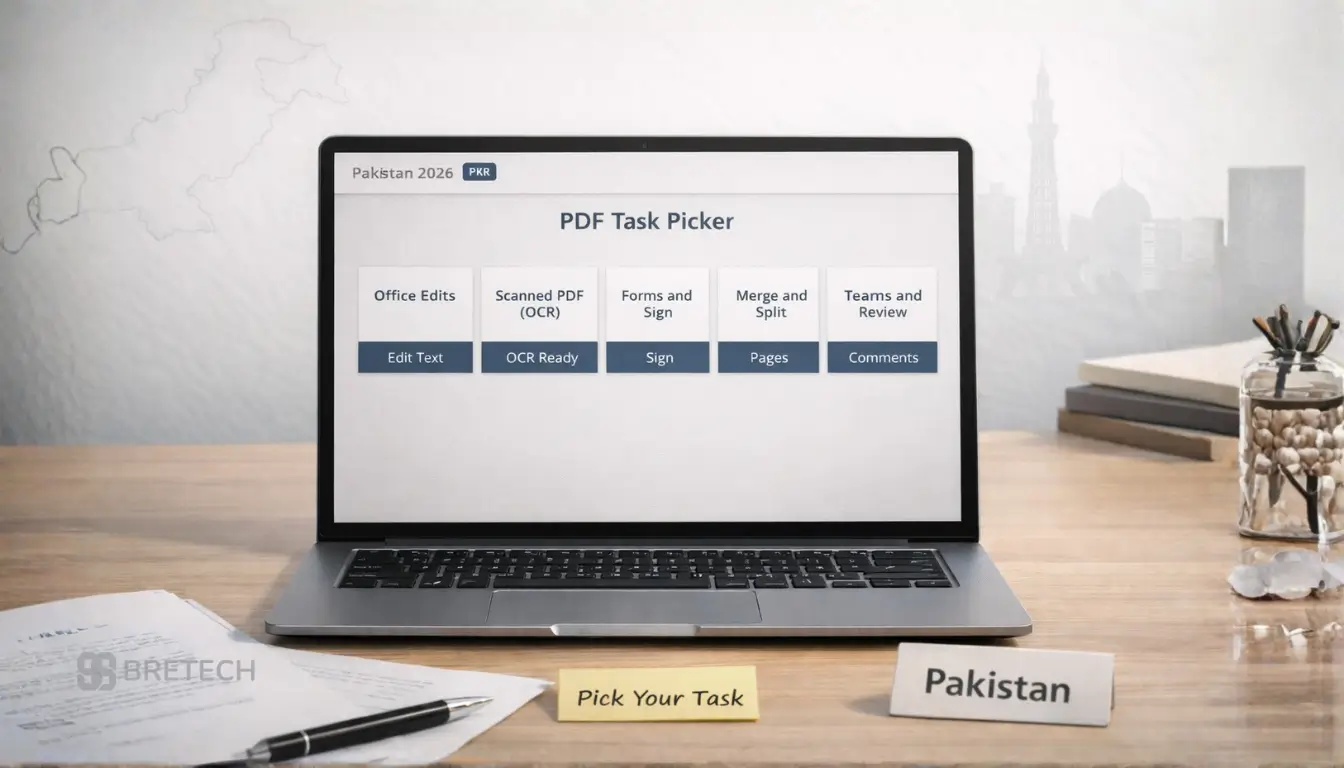
PDF Editor for Everyday Office Edits
For daily office work, choose a PDF editor that can change text, images, links, and pages while keeping the layout stable.
If you regularly export files to Microsoft Word or other formats, test a real document before buying. Complex tables, columns, fonts, and scanned pages may still require manual cleanup after conversion.
PDF Editor for Scanned Documents and OCR
If a PDF comes from a scanner or camera, OCR is one of the most important features. OCR adds a searchable text layer and, depending on the software and document, can make scanned text editable.
Test both a clear scan and a lower-quality scan. Accuracy can change according to language, image quality, font style, page layout, and the condition of the original document.
PDF Editor for Forms and Signing
For contracts and office paperwork, look for form filling, form creation, signatures, password protection, and document permissions.
Basic signing may only let you place a saved or digital signature on a document. A complete e-signature service can also include signature requests, tracking, reminders, templates, and audit records, so check exactly what the selected plan includes.
PDF Editor for Fast Daily Tasks
For routine work such as merging, splitting, rotating, converting, compressing, and arranging pages, a simpler PDF editor may be enough.
Do not pay for advanced OCR, redaction, document comparison, automation, or team controls unless those features support your normal work.
PDF Editor for Teams and Shared Workflows
Teams may need comments, document comparison, access controls, consistent licensing, secure handling, and standardized workflows across departments.
Organizations buying several licenses can review PDF software for corporate teams before choosing individual or business editions.
PDF Reader vs PDF Editor: Which Do You Need?
A PDF reader is enough when you mainly open, search, print, or view documents. Many readers also include annotation tools for highlighting text, adding comments, drawing, or placing simple notes.
A PDF editor is needed when you must change existing text or images, convert documents, run OCR, create or edit forms, compare versions, redact information, manage pages, or prepare files for signing.
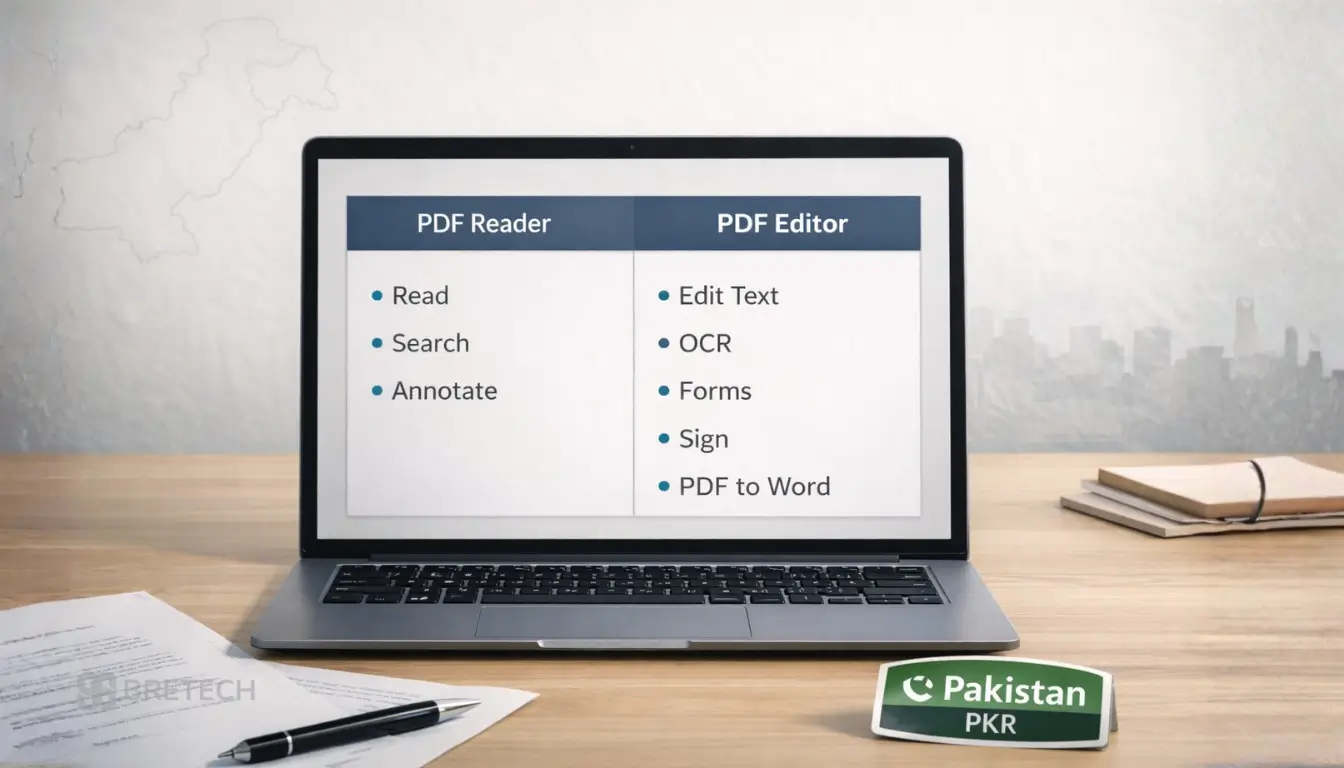
For students and occasional users, a reader with annotation tools may be enough. For client files, contracts, scanned records, and office documents, a full editor provides more control over the document itself.
Free vs Paid PDF Editors: Which Should You Use?
A legitimate free PDF editor can be enough for occasional tasks such as annotations, basic text changes, form filling, simple signing, or page organization. Some vendors also provide free editions, limited online tools, or trials that let you test features before buying.
Paid PDF software becomes more useful when you regularly need OCR, high-quality conversion, redaction, complex forms, batch processing, document comparison, business licensing, or support.
Free and paid features vary widely, so compare the exact limits instead of assuming every free editor is weak or every paid editor includes every advanced feature.
Avoid unofficial or modified installers. If you need a paid feature, use a genuine license rather than a cracked copy that may create activation, update, security, or reliability problems.
Online vs Offline PDF Editors: Which Is Better?
Online PDF editors are convenient for occasional tasks because you can work in a browser without installing a full desktop application. They can suit quick edits, simple conversions, form filling, or work on a device where software installation is not practical.
Desktop or offline PDF editors are usually a better fit for users who repeatedly handle large files, scanned documents, OCR, batch processing, detailed editing, or confidential business records.
If a service processes files in the cloud, review its privacy and security terms before uploading sensitive documents.
For buyers who specifically want a browser-based workflow, Wondershare PDFelement Cloud is one option available through BreTech. Check its current features and plan limits against your document workflow before ordering.
PDF Editor Features That Matter Most in Pakistan
The most useful features are the ones that match your real documents. Editing quality, OCR, conversion, forms, signing, security, and platform support usually matter more than a long feature list.
Editing Quality and Formatting Control
A suitable editor should let you change text, images, links, and pages without unnecessarily damaging the layout.
Check how it handles alignment, spacing, fonts, images, tables, headers, and page breaks. Complex files may still need manual checking after editing or conversion.
OCR for Scanned PDF Documents
OCR turns image-based pages into searchable text and can make supported scanned content editable.
This can save time when working with invoices, certificates, receipts, forms, contracts, and scanned office records. Always review OCR output because names, numbers, tables, and unclear text can be recognized incorrectly.
Forms, Signing, and Document Protection
Form tools help you create or complete fields such as text boxes, check boxes, radio buttons, lists, and signature areas.
Password protection and permissions can restrict opening, editing, copying, or printing. Proper redaction is different from covering text with a shape because redaction is designed to permanently remove selected content.
If confidential information is an important part of your workflow, compare the best PDF redaction software in Pakistan before choosing an editor.
PDF Conversion Quality
Conversion quality matters when moving files between PDF, Word, Excel, PowerPoint, images, and other formats.
Test a document containing tables, headings, images, columns, and unusual fonts. The most suitable editor is often the one that requires the least manual correction after conversion.
Speed, Platform, and Hardware Requirements
Large scanned files, OCR, document comparison, and batch processing can use more system resources than basic reading or annotation.
Check the publisher’s current system requirements, supported operating systems, and platform-specific feature differences before buying. If a trial is available, test the software on the computer that will actually be used.
PDF Editor for Mac Users in Pakistan
Mac users should prioritize software that provides the required editing, OCR, conversion, and signing features on macOS instead of assuming that Windows and Mac editions provide identical tools.
PDFelement, Foxit PDF Editor, Adobe Acrobat Pro, PDFChef, and SwifDoo provide Mac options. PDFelement offers a broad cross-platform workflow, while Foxit and Adobe suit more advanced professional use. PDFChef and SwifDoo can fit simpler editing needs depending on the required features.
Before buying, check:
- macOS version support
- Intel or Apple Silicon compatibility
- OCR availability on Mac
- PDF-to-Word conversion quality
- Forms and signature features
- Permitted users and devices
- Differences between Windows and Mac features
For a Mac-focused comparison, read the best PDF editors for Mac in Pakistan.
How to Choose the Best PDF Editor
Choose based on your most important document task first, then check the platform, license, and advanced features you actually need.
If You Work With Scanned PDFs
Choose a PDF editor with OCR that can create searchable or editable text from scanned pages. Test at least two real files: one clean scan and one lower-quality scan. This gives you a more realistic idea of how the software handles difficult text.
If You Work With Contracts and Client Documents
Prioritize stable formatting, signatures, redaction, password protection, permissions, and forms. Check whether you only need to place a signature or whether you require signature requests, tracking, reminders, templates, or audit records.
If You Mainly Convert PDFs
Focus on conversion quality between PDF, Word, Excel, PowerPoint, and image formats. Test a complex file containing headings, tables, columns, and images. Choose the editor that requires the least cleanup afterward.
If You Want Simple Daily Editing
Choose a product that covers your normal editing, page organization, signing, and conversion tasks without paying for advanced functions you do not use. A simpler editor may be enough for home use, study, freelancing, and light office work.
If You Manage Many Documents
Look for batch processing, automation, document comparison, security, standardized workflows, and business licensing. PDF-XChange PDF-Tools, advanced Foxit plans, PDFelement business options, or Acrobat plans may be more suitable than a basic single-user editor when several users or repeated document operations are involved.
What to Avoid When Choosing a PDF Editor
The most common buying mistake is choosing by price or feature count without checking whether the software fits your actual documents, operating system, and license requirements.
Common mistakes include:
- buying a Windows-only product for a Mac
- assuming one license covers an entire office
- choosing basic OCR for difficult scanned documents
- confusing a saved signature with a complete e-signature service
- ignoring renewal, upgrade, or subscription terms
- downloading unofficial or modified installers
- assuming every feature is included in every edition or platform
Before ordering, confirm:
- Supported operating system
- Number of users and devices
- OCR and language requirements
- Editing and conversion needs
- Forms and signature requirements
- Redaction and security tools
- Subscription or lifetime/perpetual license model
- Renewal and upgrade conditions
- Business-use rights
- Invoice and support requirements
A common problem is buying a lower-cost plan and later discovering that the required OCR, e-signature, mobile, or advanced security feature belongs to another edition. Check the exact plan before payment.
Need Help Choosing a PDF Editor?
If you are unsure which product supports your operating system, OCR needs, number of users, or business workflow, contact BreTech before ordering.
BreTech can help you compare available PDF editor licenses, PKR pricing, local payment options, digital delivery, activation requirements, and invoice support for individual or business purchases.
Conclusion: Best PDF Editor Software in Pakistan for 2026
The best PDF editor depends on the files you handle most often. PDFelement is a balanced cross-platform choice, EaseUS PDF Editor suits everyday Windows work, and Ashampoo PDF Pro 5 is a useful Windows option for buyers who prefer a lifetime desktop license.
PDF-XChange Editor and Editor Plus suit Windows users who need detailed editing, review, OCR, comparison, and form tools, while PDF-XChange PDF-Tools is useful for repeated batch operations. SwifDoo and PDFChef can suit simpler daily PDF work.
For professional and business workflows, Foxit PDF Editor and Adobe Acrobat Pro provide broader tools for OCR, forms, comparison, security, redaction, and document processes.
Before purchasing, confirm your operating system, OCR needs, users, devices, license term, renewal conditions, signing requirements, and business-use rights. The best choice is the editor that handles your real documents reliably without adding unnecessary cost or complexity.